
Is VR Safe for Kids? What a Year of Meta Quest 3 Taught Our Family
Our son Nikita started playing VR when he was 8. We've had a Meta Quest 3 at home for a year now. If it were up to him, he'd play all day.
So, is VR safe for kids? From what we've seen: with short sessions and long breaks, it's been good for him, and it gets him moving. Without limits it isn't. We've seen what too much does to his mood.
We're parents, not doctors. This is what works in our house, next to what Meta, the company that makes the headset, says.
Our rules, in short
- Know the official age. Meta says Quest 2 and Quest 3 are for kids aged 10 and up, and from 10 to 12 a parent has to set up and manage the account. Nikita started at 8, which is younger than that. That was our call as his parents, and it's the reason the rest of our rules are strict.
- 15 minutes per session, no more. Meta's own guidance is a break at least every 30 minutes, and more frequent, longer breaks for younger children. We went shorter.
- At least 4 hours before the next session.
- He sets the timer himself. We don't stand over him with a clock.
- VR only on certain days, and he picks which.
- Watch his mood afterwards. That tells us more than any timer.
What happened after 40 minutes
The timer works because Nikita runs it. But kids test limits, and sometimes he cheated and kept playing. Once it was 40 minutes.
After a long session like that he became aggressive and irritable. That was the moment we stopped wondering whether VR affects how he feels. It does. Within the 15 minutes we don't see that.
Meta warns about this side of things too: children may not notice or mention discomfort the way adults do, so a parent has to watch.
The good part: it's real exercise
Most screens keep kids sitting still. VR does the opposite, and Gorilla Tag is the best example. There are no buttons for walking: you move your gorilla by swinging your real arms and pushing off the ground and walls.
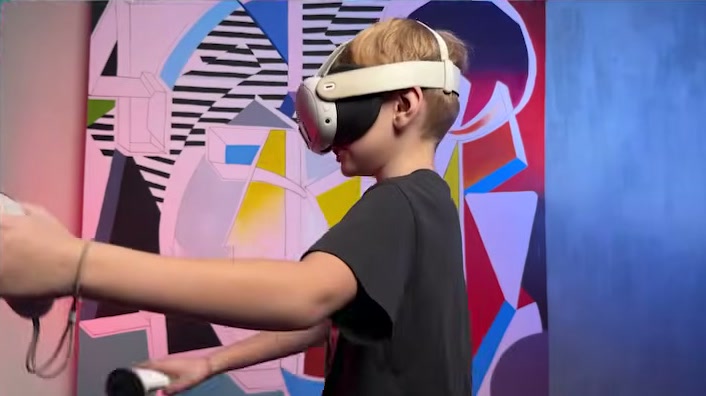
Here's our video exploring Gorilla Tag, with Nikita in the corner:
If the player doesn't load for you, watch it on YouTube.
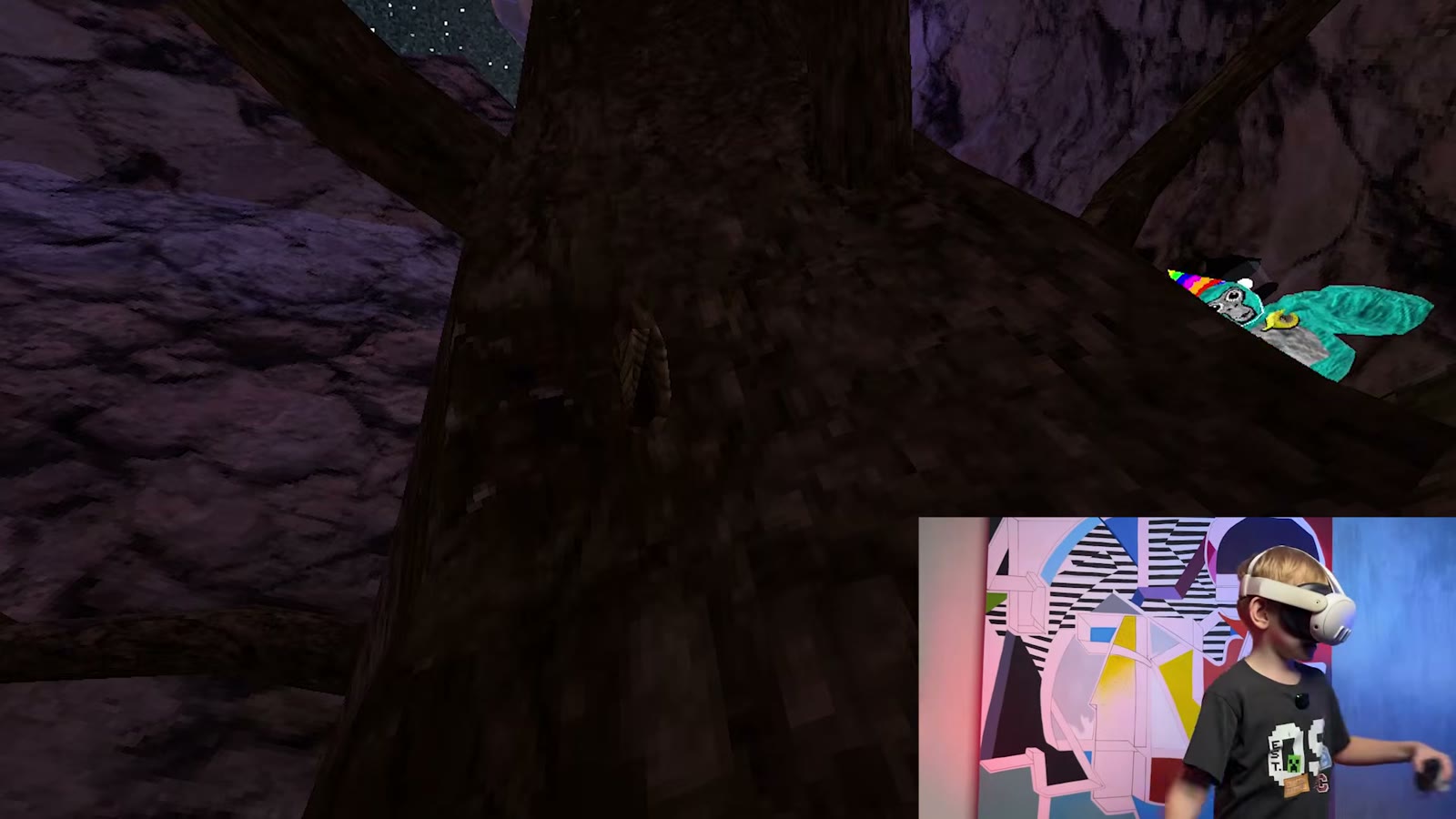
Why the timer is his, not ours
We tried to make limits that Nikita owns. He sets the 15-minute timer himself, and he chooses which days are VR days. It's practice in self-control, and it works most of the time. When it doesn't, we see it in his mood.
If it were up to him, he'd play all day. That's exactly why there's a timer.
Why Meta Quest 3 and not another headset
Our friends have a PlayStation VR, and it mostly gathers dust. Our Quest 3 is the opposite: Nikita really wants to play it. The big difference for a kid is that the Quest is standalone. There's no console and no cable to a computer. He puts it on and plays, so he can use it independently, inside the rules.
For kids aged 10 to 12, Meta's parent-managed accounts let a parent approve apps and set screen time limits on the headset itself.
Give them space
Nikita plays in the middle of our living room with space around him. VR blocks out the real room, and a kid swinging their arms in Gorilla Tag needs space in every direction.
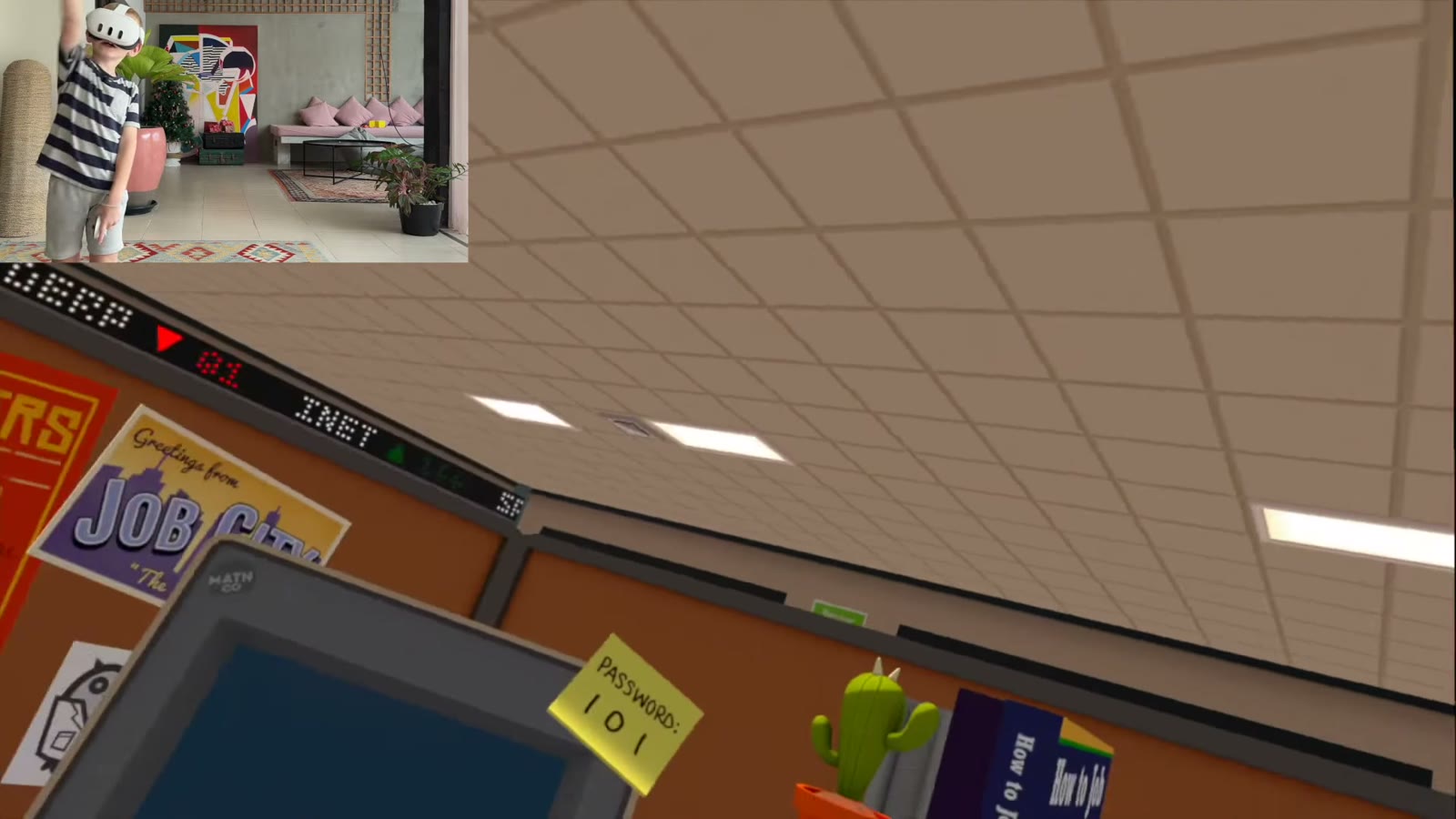
Calmer games are part of the mix too. In Job Simulator he works an office job for a boss who is a robot:
If the player doesn't load for you, watch it on YouTube.
What's next for us
We're now making our own VR game, and building for the headset Nikita loves is honestly amazing. Follow along on our YouTube channel, and tell us in the comments what VR rules work in your house.
Meta's official guidance for parents is on the Meta Quest Safety Center and the parent info page.