
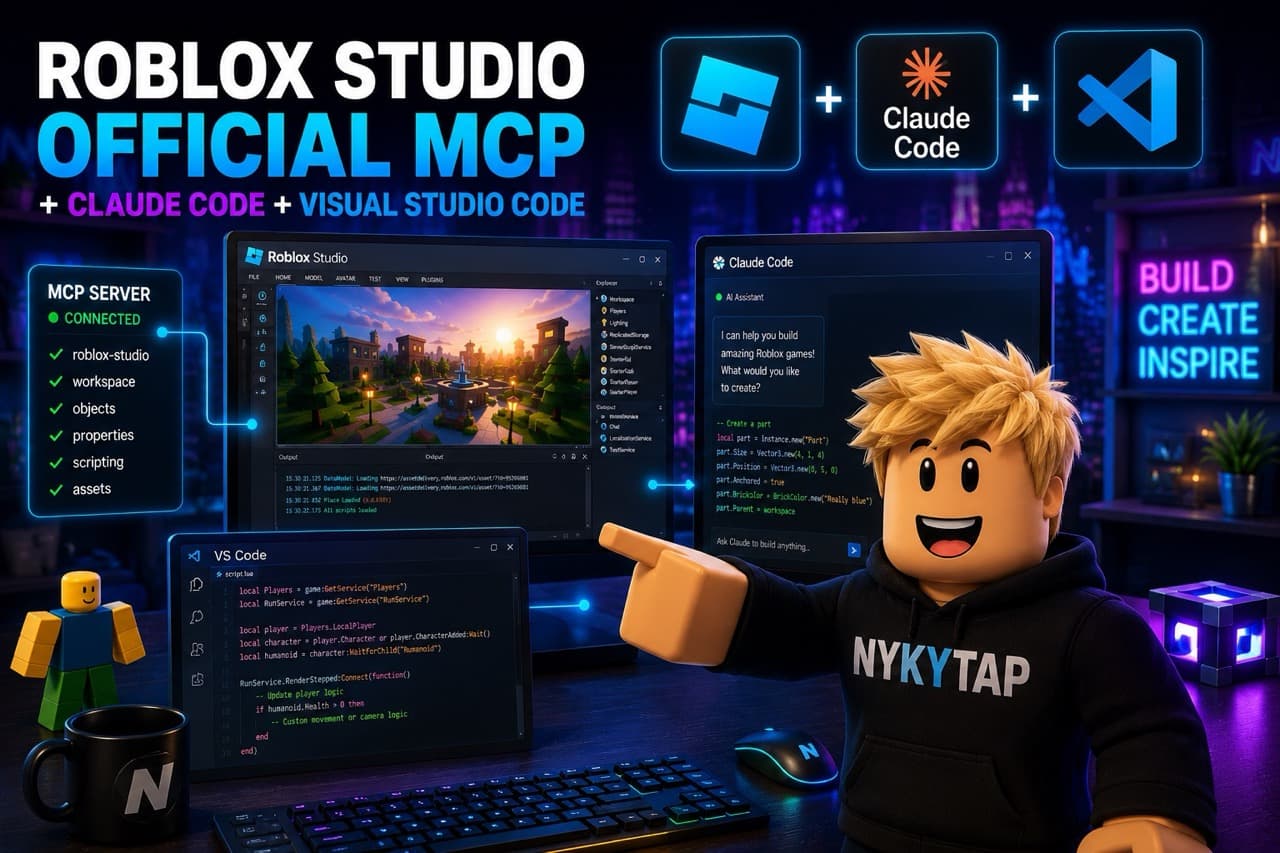
My New Roblox Setup: Studio's Official MCP + Claude Code
I Rebuilt How We Make Roblox Games Last Week
I changed how I build Roblox games last week, and I want to write it down while it still feels new. The short version: Roblox Studio now has an official MCP, I connected it to Claude Code inside VS Code, and I have not stopped grinning since.
This is not a "here is the perfect workflow" post. It is the "here is what I'm trying, here is why I'm happy, and here is what's coming" post. First results soon. A stream with Nikita even sooner.
The Setup, in One Breath
Two pieces, talking to each other.
- Roblox Studio's official MCP. MCP is the protocol that lets an AI assistant see and act inside a real program instead of guessing from text. Studio itself exposes the live game: the data model, the scripts, the running session. No copy-pasting code back and forth.
- Claude Code in VS Code. This is where I sit. I describe what I want, Claude reads the actual Studio project through the MCP, writes Luau, and the change lands in the game in front of me.
That's it. No fragile bridge scripts to babysit. No "paste this into the command bar and hope." The assistant looks at the same Studio I'm looking at.
What Changed: The Old Loop vs. The New Loop
The thing that got me is the loop, the distance between "I have an idea" and "I'm playing the idea." Here is the honest before and after:
| Step | Old way (Rojo + paste) | Now (Studio MCP + Claude Code) |
|---|---|---|
| Give context | Re-explain the place every session | Claude reads the live data model |
| Write Luau | Paste, run, copy errors back | Written and inserted in place |
| See the change | Manual sync, switch windows | Appears in the running session |
| Fix a tweak | Another full round-trip | A sentence, then it's done |
| Time to "feel" it | Minutes of plumbing | Seconds of playing |
Most of that plumbing is just gone. I stay in the part that's fun instead of the part that's glue.
Why I'm Actually Happy With It
Here is a real moment from the weekend. The corridor in our game goes dark and you can't see the walls. I typed roughly: "the hallway is too dark to navigate, give the player a flashlight they hold in their hand."
A minute later I was walking down that corridor with a flashlight in my hand, deciding the cone was too wide and asking for it narrower. Then darker. Then a slight flicker. Each change was a sentence, not a chore.
It is not magic. It writes things I don't want and I tell it no. It still needs me to know what good gameplay actually feels like. But as a way to spend a Saturday building something with my kid, it's the best I've used.
**The part I keep coming back to:** the tool didn't make the game better. It gave me back the hours I used to lose to setup, and I spent those hours with Nikita instead.
What You Need to Try It Yourself
You don't have to wait for my detailed guide. The pieces are public and the barrier is low:
- Roblox Studio with its official MCP enabled
- VS Code with Claude Code
- A small test place you don't care about breaking
- One tiny feature in mind, nothing ambitious
A 10-Minute First Session
- ✅ Open a blank place, connect Studio's MCP to Claude Code
- ✅ Ask for one part that changes color when you touch it
- ✅ Play it. Watch how short the loop is
- ✅ Ask for one change to that part, in plain words
- ✅ Now ask for something you actually want in your game
- ❌ Don't start with your big project. Start with a toy
That short loop is the whole reason I'm writing this. You feel it in the first ten minutes or not at all.
The Real Reason We're Doing This
Nikita and I are making a game. I'm not going to oversell it. It might not be a hit, and most games two people make for fun stay small. That's fine.
Here is what I actually care about: the hours we spend doing it. Adding a maze and then getting lost in our own maze. Building a flashlight and turning every light off just to scare each other in the dark hallway. Nikita pointing at the screen and saying "no, make it do this." That time together, while the game slowly becomes a game, is the point. The build is the reward. A successful game would be a bonus sitting on top of something that's already good.
What's Coming
A few concrete things, soon. I want to show real footage from the game we're building with this setup, not a tech demo, so give me a little time to get it to a state worth filming. Then a stream with Nikita: the two of us actually making the game, talking through it, messing up, laughing about it. Not a polished tutorial, just the real process, because the real process is the fun. And once I've run this setup long enough to know where it breaks, I'll write the full step-by-step so you can run the same thing. This post is the "I'm excited" version. That one will be the "here's exactly how" version.
Conclusion
Roblox Studio's official MCP plus Claude Code in VS Code collapsed the gap between an idea and playing that idea. The setup matters because of what it frees up, not because it writes code. For us that freed-up time goes straight into building with Nikita, and that was always the actual goal.
If you code a little and you have a kid, try this once. Let them ask for the silly feature. Build the silly feature. See what happens to the next hour.
We'll be back soon with footage and a stream. Come hang out in our [Discord](https://discord.gg/QeA8zuNv5B) while we build, and tell me what you'd put in a dark maze if you had a flashlight and a kid yelling directions at you.